Substance 3D Materials
Home / Projects / 3d / Substance 3D Materials

Substance 3D Materials

Design 2026

A showcase of procedurally generated materials created in Adobe Substance 3D Designer.

Overview

<div class="row g-5"> <div class="col-lg-6"> <h2 class="fw-bold text-white mb-4">From Physical to Digital</h2> <p class="text-white-50 lead mb-5">Ever wanted to bring your favorite physical objects into a 3D environment? By combining <strong>Luma AI</strong> scanning with traditional 3D software suitable for web rendering, I bridged the gap between the real and digital worlds.</p> <h3 class="fw-bold text-white mb-3 mt-5">The Workflow</h3> <p class="text-white-50 mb-4">I scanned a custom wood-grain <strong>GameBoy</strong> using Luma AI, effectively capturing its geometry and texture. The raw scan was then processed in <strong>Blender</strong> to clean up artifacts before correctly texturing it in <strong>Substance 3D Stager</strong>.</p> <div class="d-flex gap-3 mt-4"><span class="badge bg-dark border border-secondary p-3 rounded-pill text-white">Luma AI</span> <span class="badge bg-dark border border-secondary p-3 rounded-pill text-white">Blender</span> <span class="badge bg-dark border border-secondary p-3 rounded-pill text-white">Substance 3D</span></div> </div> <div class="col-lg-6"> <div class="rounded-4 overflow-hidden border border-secondary bg-black bg-opacity-50 position-relative shadow-lg" style="height: 500px;"><!-- THE SECRET FIX: Use this div instead of model-viewer directly --> <div class="model-placeholder" style="width: 100%; height: 100%;" data-src="/assets/GameBoy.glb" data-poster="https://i.ibb.co/PWR3x7V/rsz-1emergingtech-assignment-2-stage1-anthonymicallef-camera-2.png" data-alt="3D GameBoy Scan">&nbsp;</div> <div class="position-absolute bottom-0 start-0 w-100 p-3 text-center bg-gradient-to-t from-black"><small class="text-white-50">Interactive 3D Model</small></div> </div> </div> </div> <hr class="my-5 border-secondary opacity-25"> <div class="row g-4 mb-5"> <div class="col-md-6"> <div class="p-4 h-100 border border-secondary bg-white bg-opacity-05 rounded-4"> <h4 class="fw-bold text-white">Scanning &amp; Cleanup</h4> <p class="text-white-50">Luma AI handled the photogrammetry, creating a raw GLB file. Blender was essential for decimation (reducing polygon count) to make it web-ready without losing detail.</p> </div> </div> <div class="col-md-6"> <div class="p-4 h-100 border border-secondary bg-white bg-opacity-05 rounded-4"> <h4 class="fw-bold text-white">Texturing &amp; Context</h4> <p class="text-white-50">Imported the clean model into Adobe Substance 3D Stager to enhance the wood grain maps and set up the lighting environment for the final render.</p> </div> </div> </div>

From Physical to Digital

Ever wanted to bring your favorite physical objects into a 3D environment? By combining Luma AI scanning with traditional 3D software suitable for web rendering, I bridged the gap between the real and digital worlds.

The Workflow

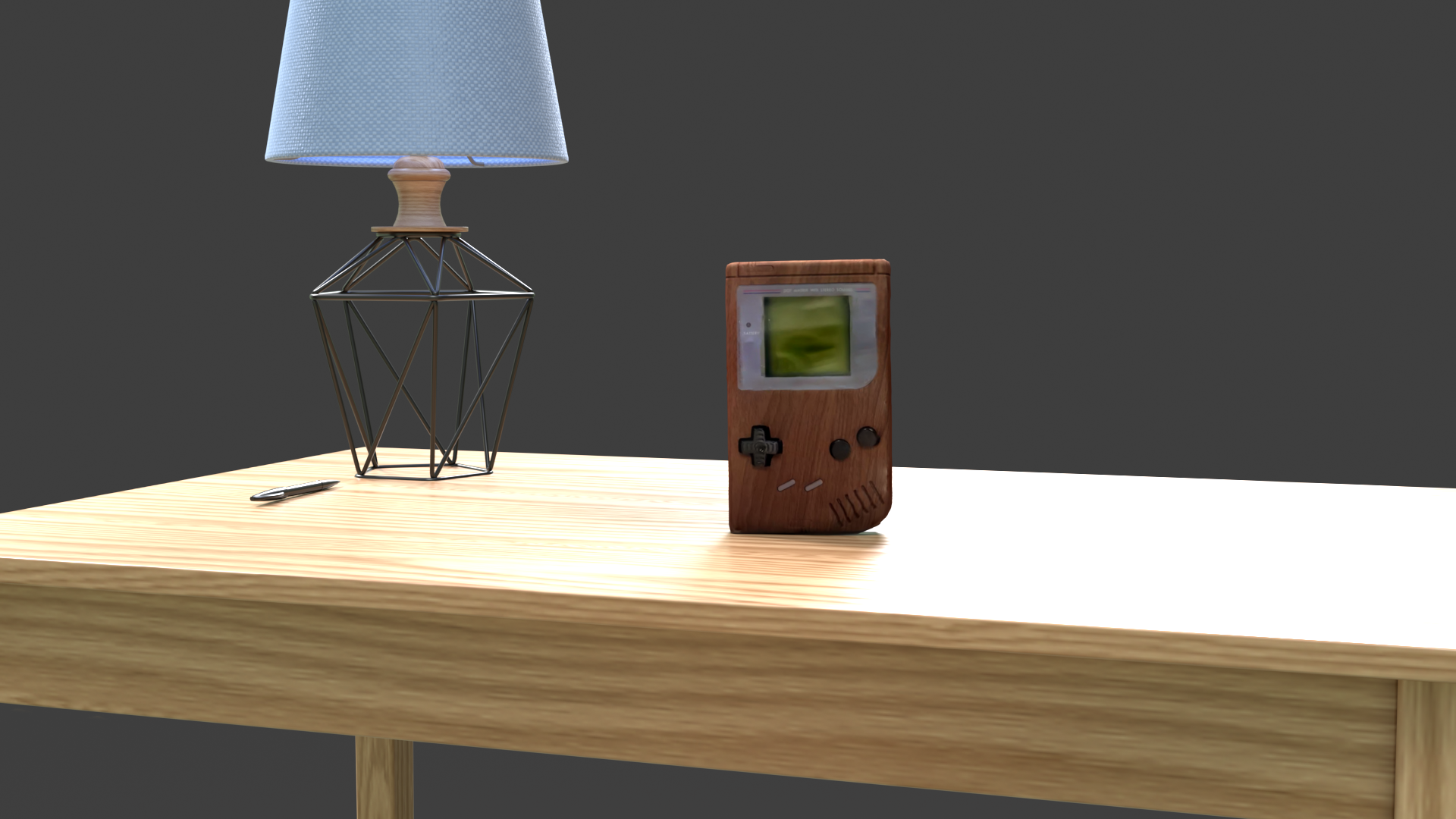
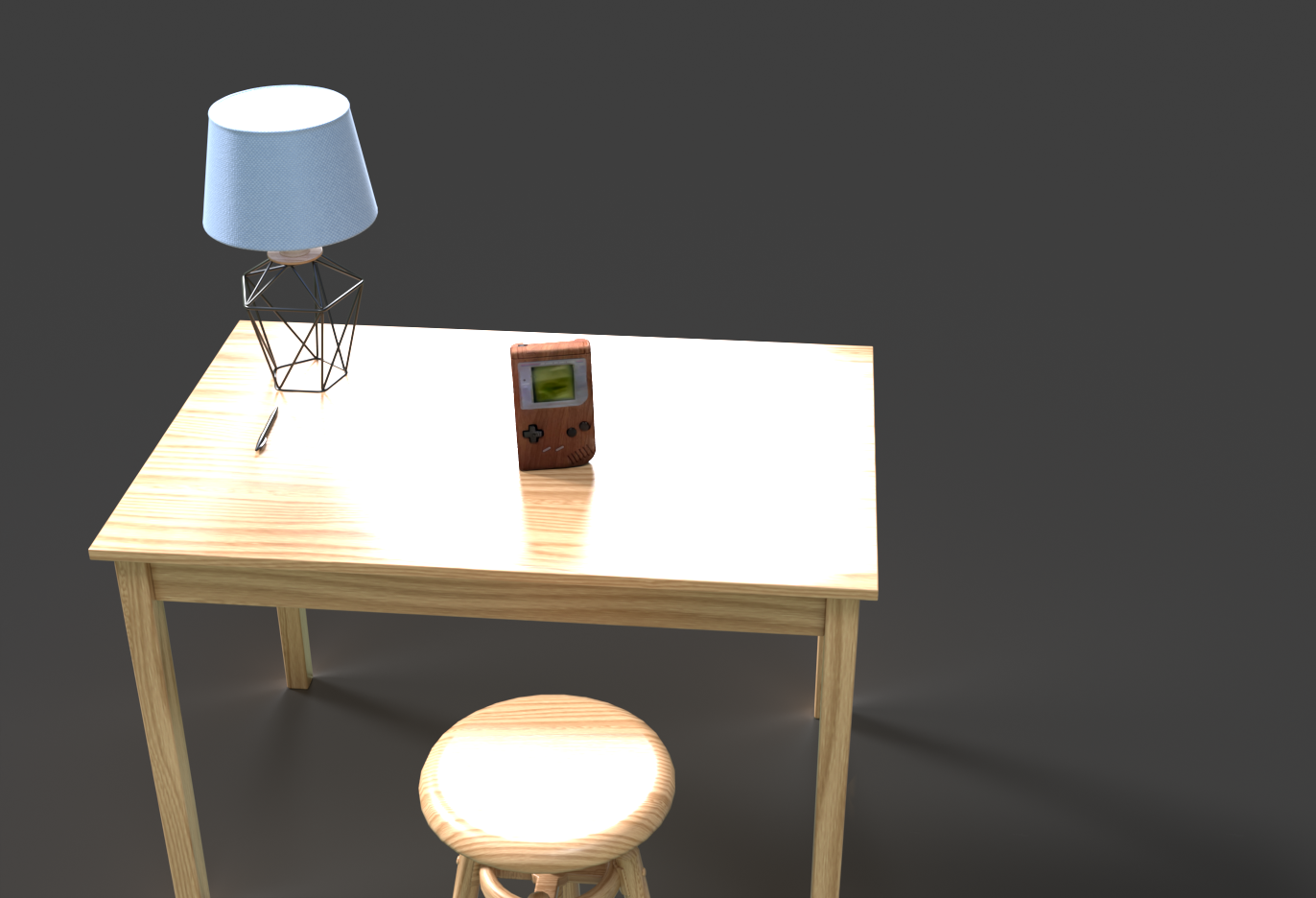
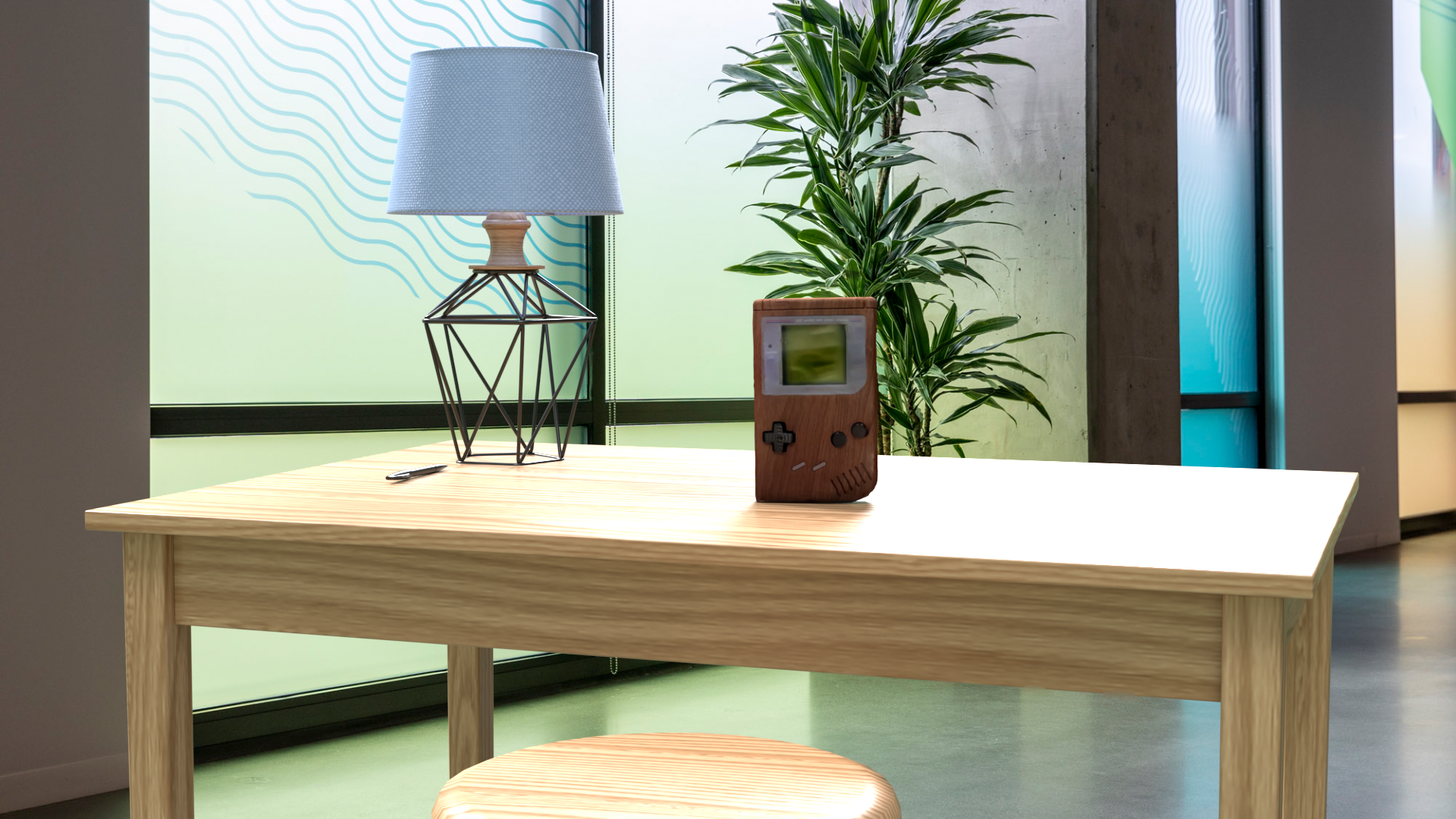
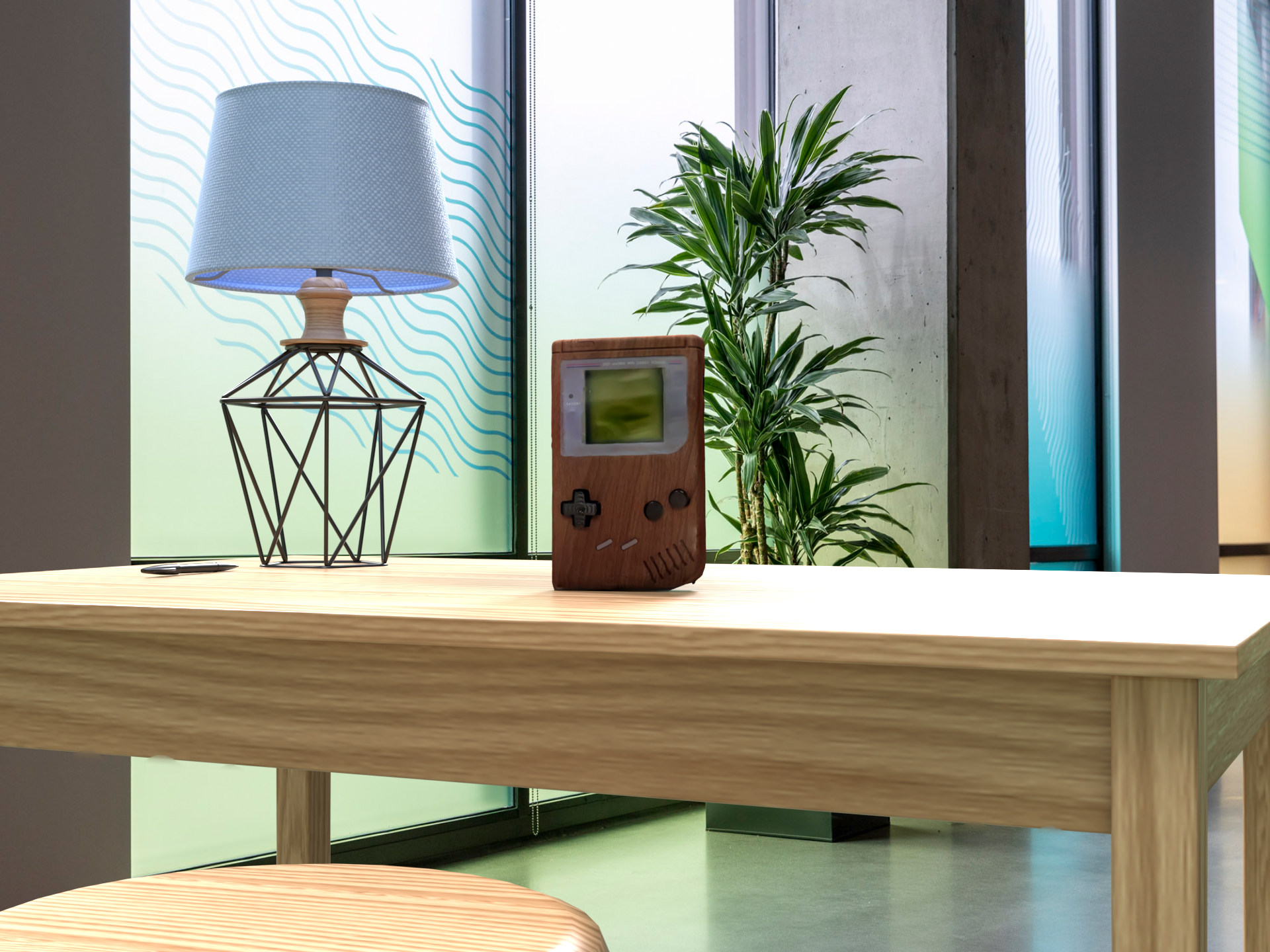
I scanned a custom wood-grain GameBoy using Luma AI, effectively capturing its geometry and texture. The raw scan was then processed in Blender to clean up artifacts before correctly texturing it in Substance 3D Stager.

Luma AI Blender Substance 3D
 
Interactive 3D Model

Scanning & Cleanup

Luma AI handled the photogrammetry, creating a raw GLB file. Blender was essential for decimation (reducing polygon count) to make it web-ready without losing detail.

Texturing & Context

Imported the clean model into Adobe Substance 3D Stager to enhance the wood grain maps and set up the lighting environment for the final render.

Design & Development Process

<div class="row g-5"> <div class="col-lg-6"> <h2 class="fw-bold text-white mb-4">From Physical to Digital</h2> <p class="text-white-50 lead mb-5">Ever wanted to bring your favorite physical objects into a 3D environment? By combining <strong>Luma AI</strong> scanning with traditional 3D software suitable for web rendering, I bridged the gap between the real and digital worlds.</p> <h3 class="fw-bold text-white mb-3 mt-5">The Workflow</h3> <p class="text-white-50 mb-4">I scanned a custom wood-grain <strong>GameBoy</strong> using Luma AI, effectively capturing its geometry and texture. The raw scan was then processed in <strong>Blender</strong> to clean up artifacts before correctly texturing it in <strong>Substance 3D Stager</strong>.</p> <div class="d-flex gap-3 mt-4"><span class="badge bg-dark border border-secondary p-3 rounded-pill text-white">Luma AI</span> <span class="badge bg-dark border border-secondary p-3 rounded-pill text-white">Blender</span> <span class="badge bg-dark border border-secondary p-3 rounded-pill text-white">Substance 3D</span></div> </div> <div class="col-lg-6"> <div class="rounded-4 overflow-hidden border border-secondary bg-black bg-opacity-50 position-relative shadow-lg" style="height: 500px;"><!-- THE SECRET FIX: Use this div instead of model-viewer directly --> <div class="model-placeholder" style="width: 100%; height: 100%;" data-src="/assets/GameBoy.glb" data-poster="https://i.ibb.co/PWR3x7V/rsz-1emergingtech-assignment-2-stage1-anthonymicallef-camera-2.png" data-alt="3D GameBoy Scan">&nbsp;</div> <div class="position-absolute bottom-0 start-0 w-100 p-3 text-center bg-gradient-to-t from-black"><small class="text-white-50">Interactive 3D Model</small></div> </div> </div> </div> <hr class="my-5 border-secondary opacity-25"> <div class="row g-4 mb-5"> <div class="col-md-6"> <div class="p-4 h-100 border border-secondary bg-white bg-opacity-05 rounded-4"> <h4 class="fw-bold text-white">Scanning &amp; Cleanup</h4> <p class="text-white-50">Luma AI handled the photogrammetry, creating a raw GLB file. Blender was essential for decimation (reducing polygon count) to make it web-ready without losing detail.</p> </div> </div> <div class="col-md-6"> <div class="p-4 h-100 border border-secondary bg-white bg-opacity-05 rounded-4"> <h4 class="fw-bold text-white">Texturing &amp; Context</h4> <p class="text-white-50">Imported the clean model into Adobe Substance 3D Stager to enhance the wood grain maps and set up the lighting environment for the final render.</p> </div> </div> </div>

From Physical to Digital

Ever wanted to bring your favorite physical objects into a 3D environment? By combining Luma AI scanning with traditional 3D software suitable for web rendering, I bridged the gap between the real and digital worlds.

The Workflow

I scanned a custom wood-grain GameBoy using Luma AI, effectively capturing its geometry and texture. The raw scan was then processed in Blender to clean up artifacts before correctly texturing it in Substance 3D Stager.

Luma AI Blender Substance 3D
 
Interactive 3D Model

Scanning & Cleanup

Luma AI handled the photogrammetry, creating a raw GLB file. Blender was essential for decimation (reducing polygon count) to make it web-ready without losing detail.

Texturing & Context

Imported the clean model into Adobe Substance 3D Stager to enhance the wood grain maps and set up the lighting environment for the final render.

You Might Also Like